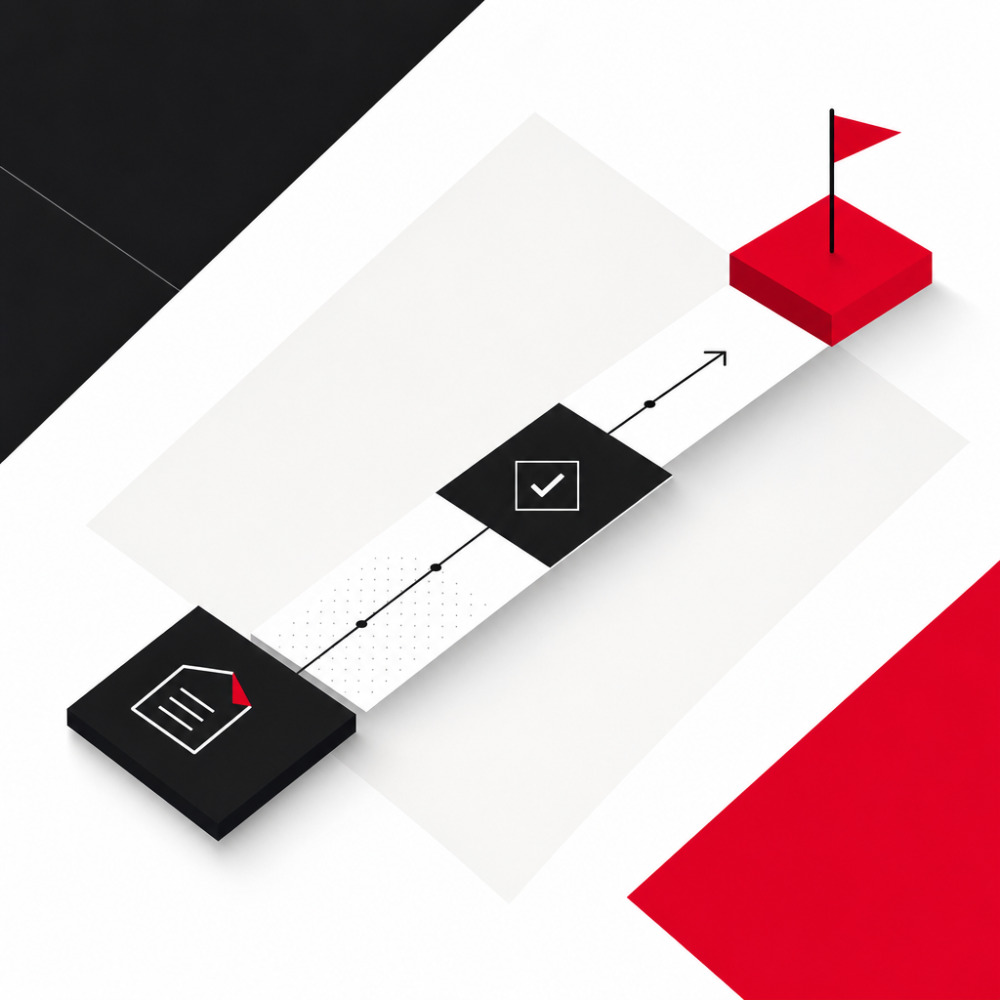
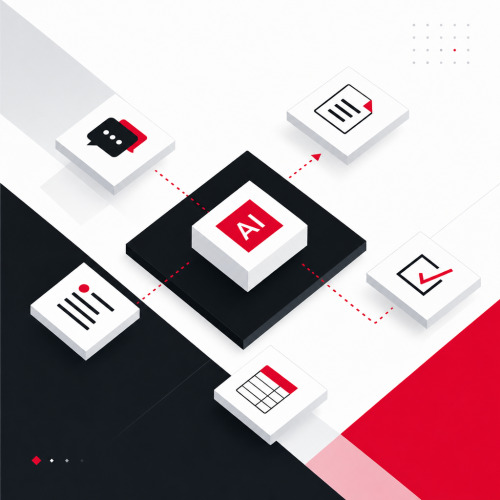

Many teams know that AI could ease their project workload, yet they do nothing. Not because the technology is missing. But because it's unclear where to start. Yet workflow automation with AI shows the greatest impact precisely when it starts small. One use case, one team, one week.
This article shows five concrete automations that work immediately in almost any team, without introducing new tools, without an IT project, without a large budget. What belongs to a structured implementation and which questions need to be clarified, we accompany as part of our strategic consulting.
Why workflow automation with AI works in daily project work
Workflow automation means that software automatically takes over recurring tasks instead of a person doing them manually. AI automation goes a step further: Instead of rigid rules, the system understands context, summarizes content, creates texts and derives tasks, all based on natural language.
According to a McKinsey study, generative AI could affect up to 70% of working time for knowledge workers, not through replacement, but through relief from routine tasks. In daily project work, these are primarily documentation, communication and status work.
The difference from classic automation
Classic automation follows fixed rules: If X happens, then Y. AI automation, however, interprets: It summarizes an hour-long meeting in five sentences, recognizes tasks in continuous text and writes status reports from ticket data. This makes it usable for unstructured everyday tasks, exactly where classic automation reaches its limits.
What your team should clarify before starting
Three things must be right before the first automation goes live: It must be clear who is responsible for the output. There must be a short review process before the team reuses AI-generated content. And the team must know which data the AI gets to see, especially with sensitive project information.
What happens when these foundations are missing is described in detail in our article on AI initiatives and their real bottlenecks.
Automation 1: Automatically summarize meetings
Meeting follow-up is one of the biggest time wasters in daily project work. Writing minutes, recording tasks, documenting decisions: This costs 20 to 45 minutes after each meeting, which rarely anyone explicitly plans.
AI takes over this step: It transcribes the conversation, extracts the most important points, open questions and decided next steps and stores the summary where the team works.
Tools that can do this today:
- Google Meet with Gemini (from Google Workspace Business Standard, ~€12/user/month): Gemini automatically creates summaries directly after the meeting, integrated into Google Docs and Google Chat, no additional tool needed.
- Microsoft Teams with Copilot (from Microsoft 365 Copilot, ~€30/user/month): Teams Copilot transcribes, summarizes and creates action items, directly in the Teams channel or as a note.
- Otter.ai (free tier available, Pro from ~€10/month): Otter.ai transcribes meetings in real time, recognizes speakers and automatically generates a structured summary. It works with Zoom, Google Meet and Microsoft Teams.
- Fireflies.ai (free tier with 800 minutes transcription available): Fireflies joins meetings, transcribes and summarizes, with direct integration into Slack, Notion, Jira and HubSpot.
What the AI delivers / What the team reviews: The AI delivers a transcript, a structured summary and a task list. The team reviews whether responsibilities are correctly assigned and whether important context information is missing. The review takes 5 to 10 minutes instead of 30 to 45 minutes.
Automation 2: Ticket creation from meetings and requests
After a meeting, tasks often end up in loose notes, Slack messages or at best in a protocol. The path from there to a structured Jira ticket is short, but it still often doesn't happen, or too late, or incompletely.
AI closes this gap: It reads meeting summaries or Slack messages and directly creates structured tickets with title, description and suggested assignee.
Tools that can do this today:
- Atlassian Intelligence in Jira (included in all Jira Cloud tiers from Standard, details): Atlassian Intelligence suggests ticket structures, completes missing fields and can generate complete issues from free text input.
- Zapier with OpenAI integration (free tier with 100 tasks/month): With a Zapier workflow, you automatically pass incoming Slack messages or emails to ChatGPT and create the structured output directly as a Jira ticket. No code needed, setup possible in under an hour.
- Linear AI (available from free tier): Linear has AI-supported ticket creation natively integrated. It automatically converts free text into a structured issue, including priority suggestion.
What the AI delivers / What the team reviews: The AI delivers ticket title, a description and suggestions for assignee and priority. The team reviews whether scope and priority are correct and whether technical context is missing. The review takes 2 to 3 minutes per ticket instead of 8 to 10 minutes.
Automation 3: Automatically update documentation
Outdated documentation is one of the most persistent problems in software projects. For developers, outdated or missing documentation is one of the most common productivity brakes in daily work. The problem is structural: Updating documentation is important, but it's rarely urgent and therefore it doesn't happen.
AI documentation solves this by recognizing changes in code, tickets or meeting notes and updating documentation pages accordingly, or at least creating a draft for the update that the team only needs to approve.
Tools that can do this today:
- Atlassian Intelligence in Confluence (included in Confluence Cloud Standard): Confluence AI can summarize, supplement and create change suggestions for existing pages based on new information, directly in the editor.
- Notion AI (from €8/user/month as add-on): Notion AI updates documents, summarizes changes and creates new pages based on prompts or existing content, integrated into the Notion workspace.
- Google NotebookLM (free): NotebookLM by Google analyzes uploaded documents, answers questions about them and creates summaries, ideal for processing and maintaining knowledge bases without technical setup.
How you can embed AI agents into this process and what possibilities arise is described in our article on AI agents for businesses.
What the AI delivers / What the team reviews: The AI delivers an update draft, a summary of changes and new sections. The team reviews whether the content is technically correct and whether domain-specific knowledge is missing. The review takes 5 to 8 minutes instead of 20 to 40 minutes.
Automation 4: Automatically create status reports
Status reports are important, but creating them costs time that goes directly away from actual project work. A weekly status report for multiple stakeholders can easily mean an hour of effort. Someone has to gather ticket data, translate it into prose, format and send it.
AI in project management takes over exactly this translation step: It reads project data from Jira, Asana or Linear and generates a structured status report in natural language, customizable by level of detail and target group.
Tools that can do this today:
- Atlassian Intelligence in Jira: Jira AI can automatically generate status updates based on sprint data, open issues and completed tasks, as a Confluence page or Slack message.
- Microsoft Copilot in Excel/Word: can translate table data into text reports and create automatically formatted status documents, directly from existing project tracking sheets.
- Zapier + ChatGPT (free entry possible): An automated workflow reads Jira data weekly, passes it to ChatGPT and creates a formatted status report that you send via email or Slack.
What the AI delivers / What the team reviews: The AI delivers a structured status report with progress, risks and next steps. The team reviews whether the assessment of risks is correct and whether relevant context information is missing. The review takes 5 minutes instead of 45 to 60 minutes.
Automation 5: Process research faster
Before every important project decision, there's often a research phase. Teams compare technologies, evaluate options and summarize experiences of other teams. This costs time and the result is rarely well documented.
AI significantly accelerates this step: It searches existing sources, summarizes and structures the findings for the team, not as a decision, but as a basis for decision-making.
Tools that can do this today:
- Google NotebookLM (free, available at notebooklm.google.com): NotebookLM analyzes uploaded PDFs, documents, Google Docs or URLs and answers questions with direct source reference. Ideal for processing research results for the team, transparent because every statement refers to a source.
- Perplexity AI (free tier available, Pro from ~€17/month): Perplexity is an AI search engine that delivers answers with source citations, significantly more transparent than classic chatbots. Ideal for quick research with traceable data basis.
- Microsoft Copilot: Microsoft's free Copilot summarizes web content, answers questions and can analyze documents, usable without registration.
What the AI delivers / What the team reviews: The AI delivers a structured summary with source citations and a comparison overview. The team reviews whether the sources are reliable and whether important counterpositions are missing. The review takes 10 to 15 minutes instead of 60 to 90 minutes.
How to keep AI automation secure in your team
AI-generated content is not a final result, but a draft. This is not a disadvantage, but the principle: The AI takes over the rough construction, a human approves. For this to work, every automation needs three guardrails:
- Clear ownership: For every AI output, there is a defined person who is responsible. Not the tool, not the team collectively. A ticket that no one is responsible for is worthless.
- Short review as a fixed step: The review must not be a bottleneck, but it must exist. Five minutes of review are acceptable, no review is not. What happens when such control mechanisms are omitted in AI projects is shown in our article on security of AI agents in development.
- Clarify data protection first: Before a tool processes project information, it must be clear: Which data leaves the company? All mentioned tools offer data protection options. However, you must actively make the configuration and must not rely on the default settings.
How to start small and still professionally
The most common mistake when starting with AI automation is starting too many use cases simultaneously and bringing too little structure. The result is a non-committal pilot mode from which nothing productive emerges.
Professional doesn't mean big. It means structured:
- Choose one use case: Which of the five automations has the highest effort for your team today? That's the right starting point, not the prettiest, but the most painful.
- Select and test tool: Use it consistently in daily work for at least two weeks, not as an experiment, but as a serious way of working.
- Define guardrails: Who reviews? In what time window? What happens if the output is incorrect?
- Evaluate result: Has it reduced effort? Has quality suffered? What would need to change before the next use case is added?
Why precisely this structured approach is so crucial for AI initiatives and what almost always goes wrong without it is described in our article Why AI initiatives fail.
Conclusion
Workflow automation with AI doesn't need a large rollout. Five concrete applications show immediate impact in almost any team, whether for meeting summaries, ticket creation, documentation maintenance, status reports or research processing. The tools for this are available, many of them free or already included in the existing tool stack.
What distinguishes projects that successfully integrate AI from those that remain stuck in pilots is not the technology, but clarity about ownership, review processes and the first step.
Do you want to know which of these use cases is the most sensible entry point for your team and how to set it up professionally? We're happy to discuss this in a free initial conversation, non-binding and directly related to your situation.